How to use it as a class
Here are some examples of how learningBOX can be used in the classroom.
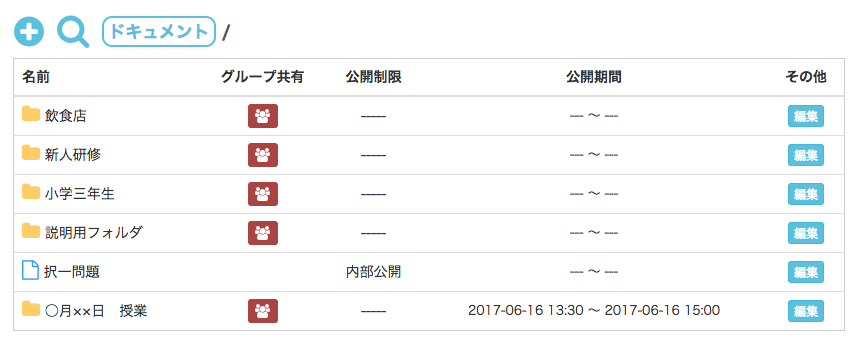
Preparation of teaching materials
1. We will prepare teaching materials using PDF and YouTube videos.
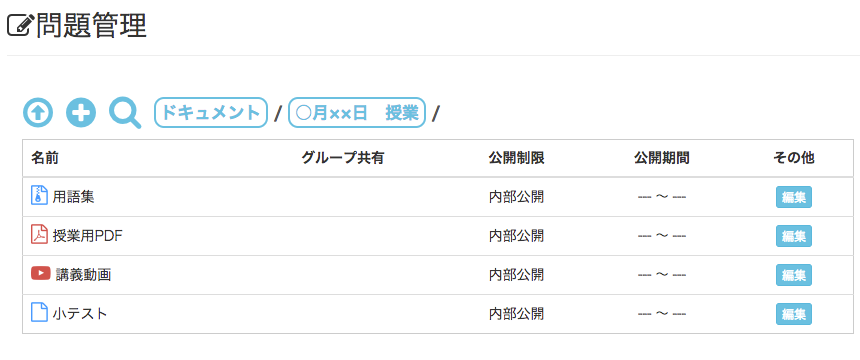
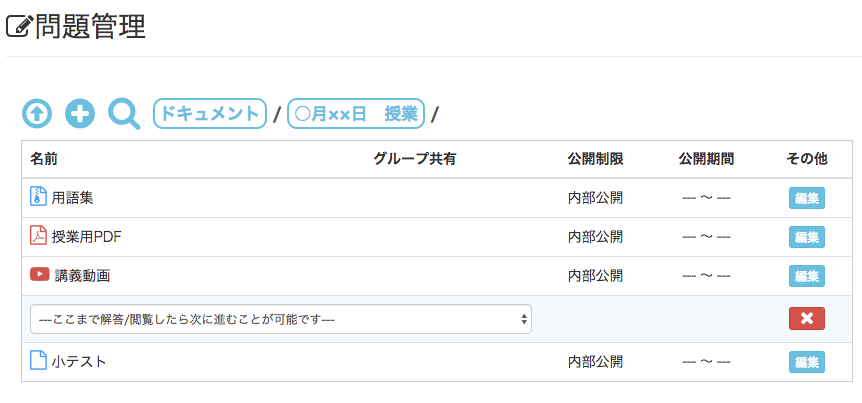
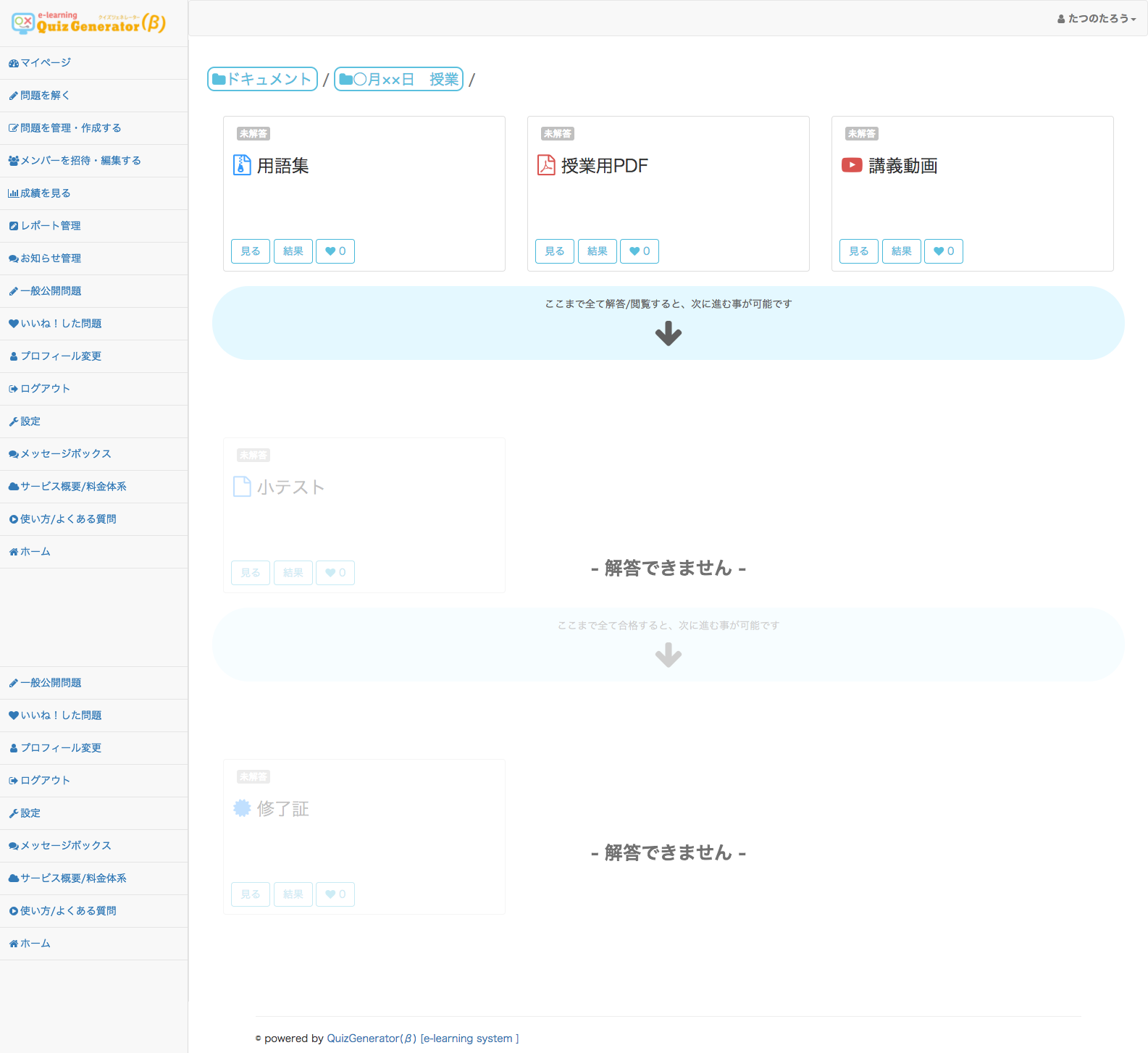
2. Click on "Constrain" in the "Operations" menu. Drag and drop the quiz onto the quiz. The quiz will not be available until you have viewed and answered the "Glossary," "Class PDF," and "Lecture Video.
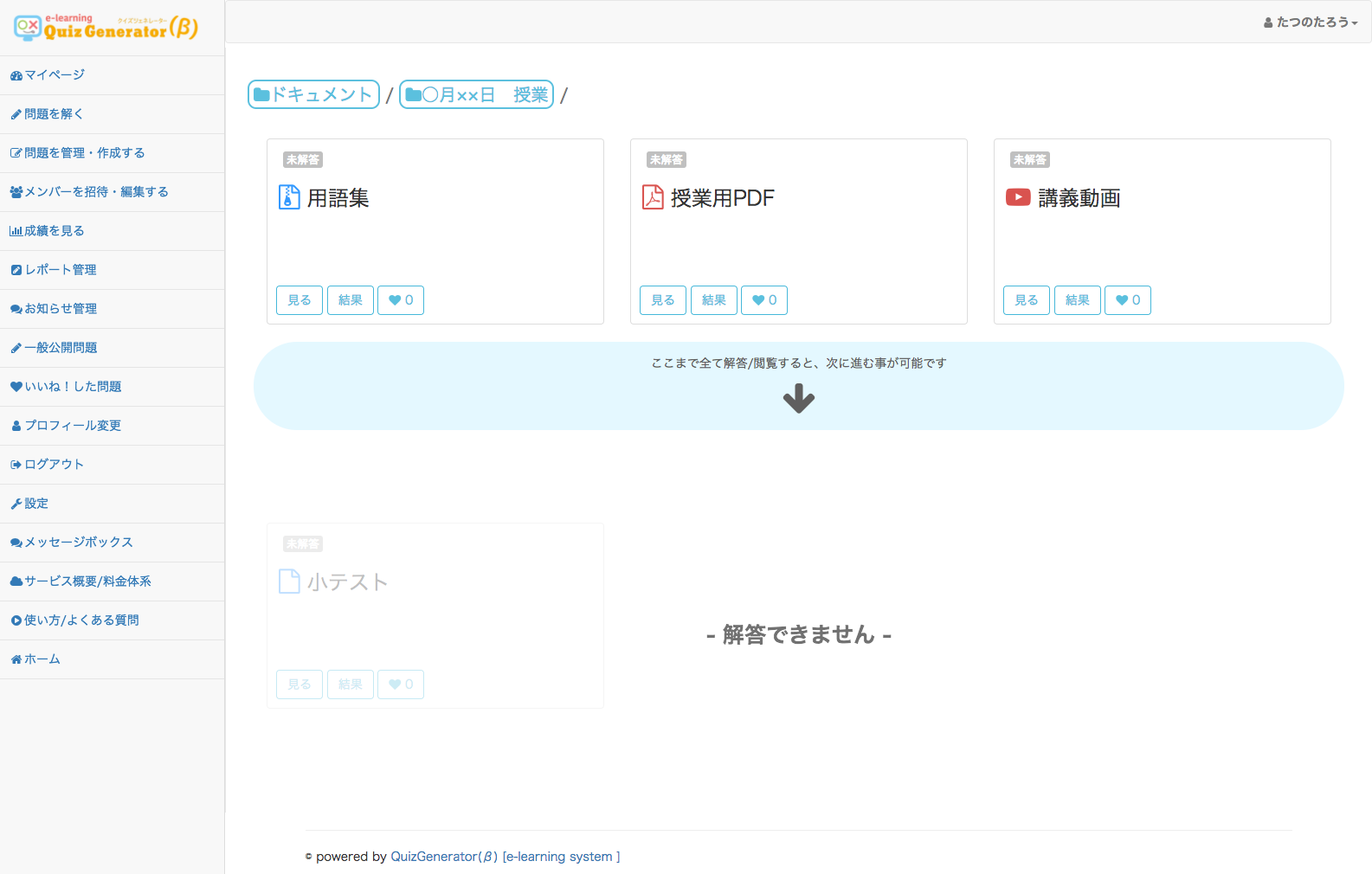
3. Only those who pass the quiz will receive a certificate of completion. Click on "Create Certificate" from the menu to create the certificate. Then click on "Add Constraints" from the menu again. Drag and drop the constraint onto the certificate. Click on the constraint you have moved and select "You can move on to the next step if you have passed this step.

4. Set the publication period according to the start time of the class. Right-click on the class folder or click on "Details" on the right. Set the start time of the class. In some cases, set the end time as well.