View Access Log
- You can check for unauthorized access.
- Log in as the administrator (parent user).
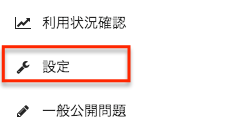
- Click on "Settings" in the sidebar.
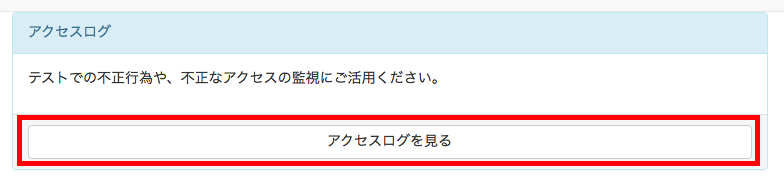
- Click on "View Access Log" under "Access Log" in the upper right corner of the screen.
- Login time", "Name", "Nickname", "IP address", "Browser", and "OS" will be displayed. The number of items displayed can be changed, and each item can be sorted.