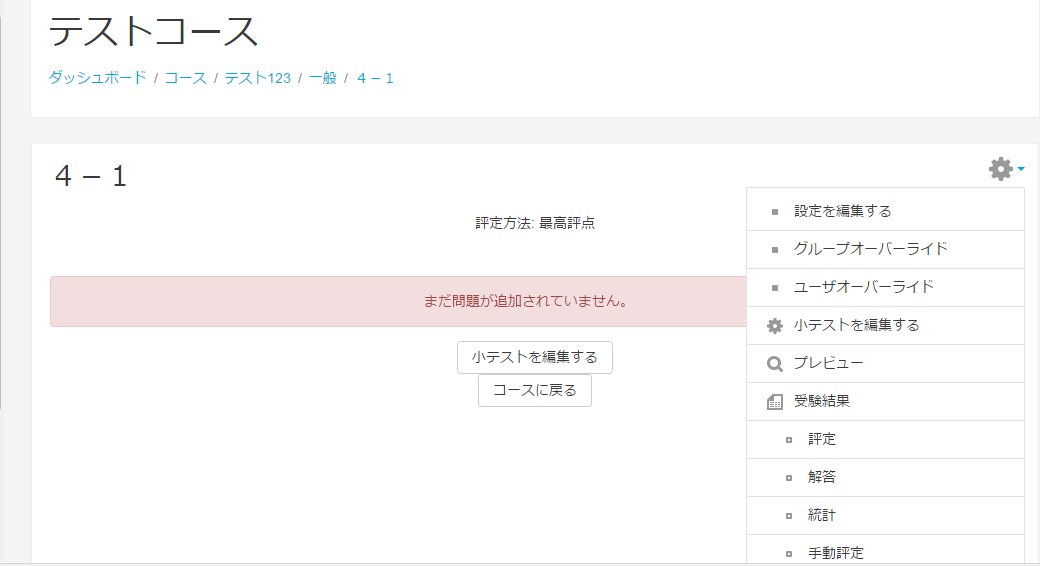
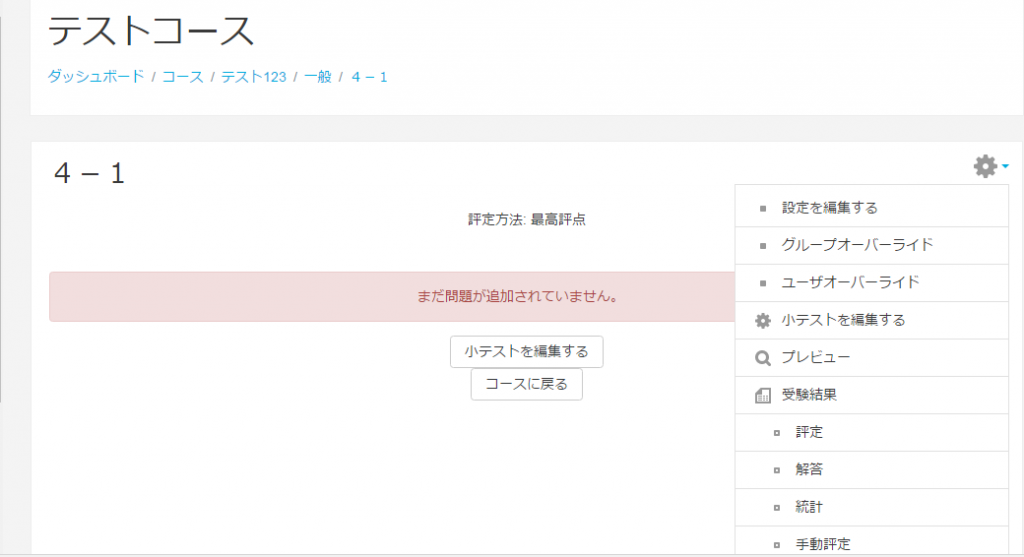
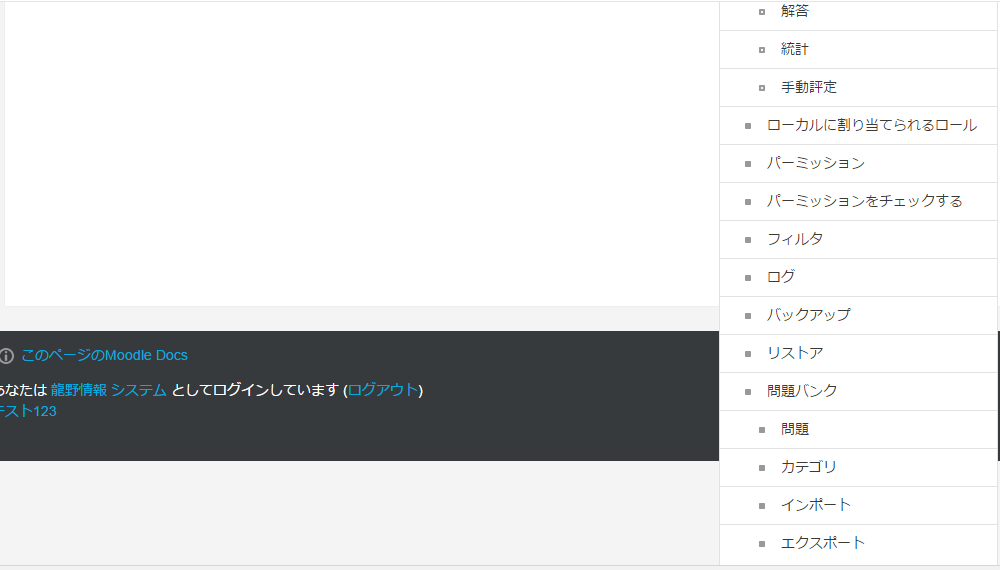
- Display a screen of questions created in moodle, click on the moodle menu (the gear button in the top right) and select export.
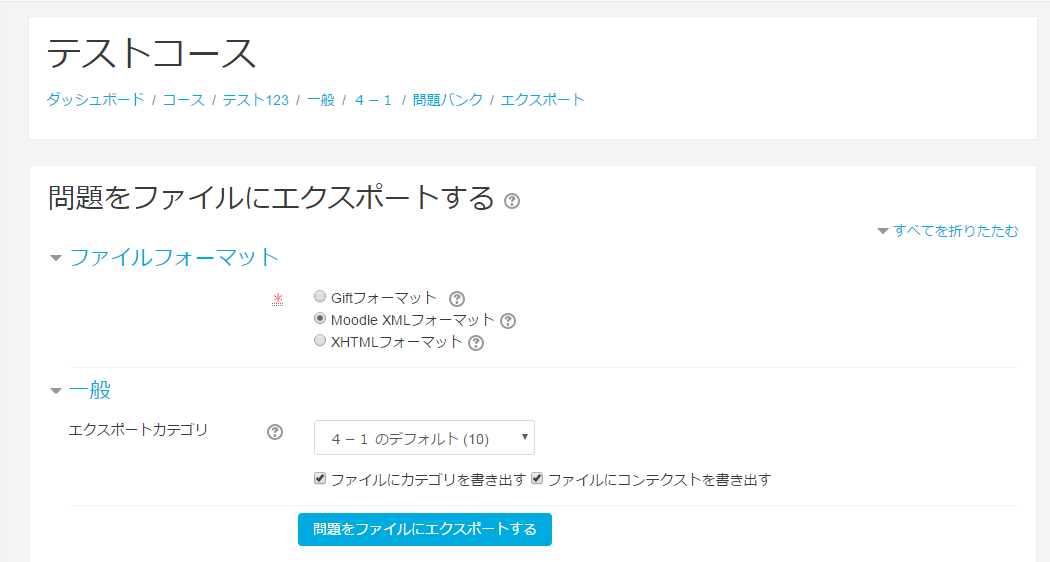
- Select Export questions to a file > File format > Moodle XML format and click Export questions to a file (blue button).
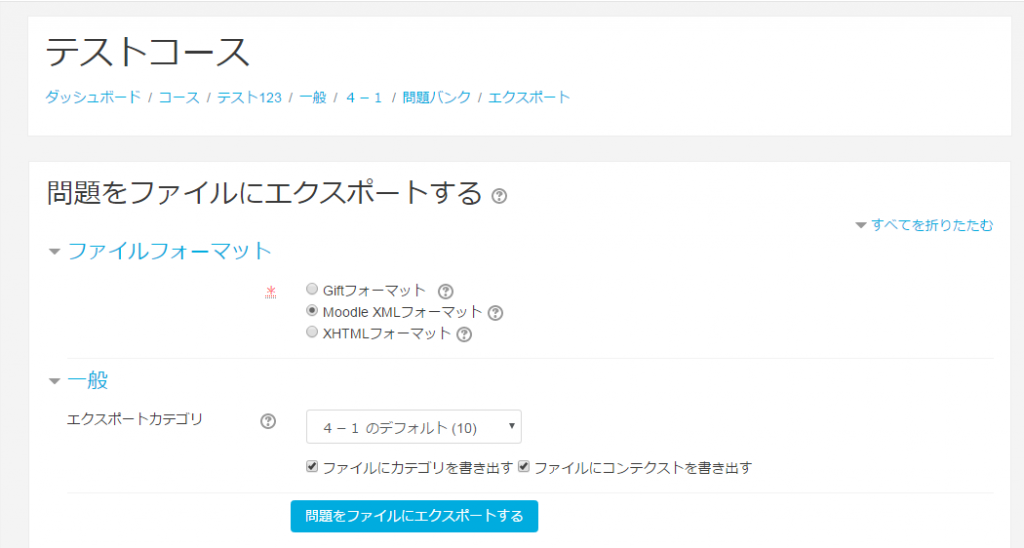
- A file converted by the XML format will be downloaded (xml file).
Operation Procedure with QuizGenerator
- In the above menu, select the downloaded xml file and press the Convert button.
- Because the content converted into the txt file is displayed, please push the Download button if it is good.
- The downloaded txt file will remain in theQuizGenerator Conversion ToolYou can use it at