I like it! Register
- You can register a "Like" for a question in the "Solve Public Problems" section, or for a limited number of open problems distributed by the administrator! to the questions in the "Solve Public Problems" section or to the limited open problems distributed by the administrator.
You can also view questions that you have liked! You can also view the questions that you have registered with
- I like it! Register
- Click on "Solve Open Problems" or "Solve Problems" in the sidebar.
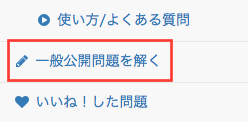
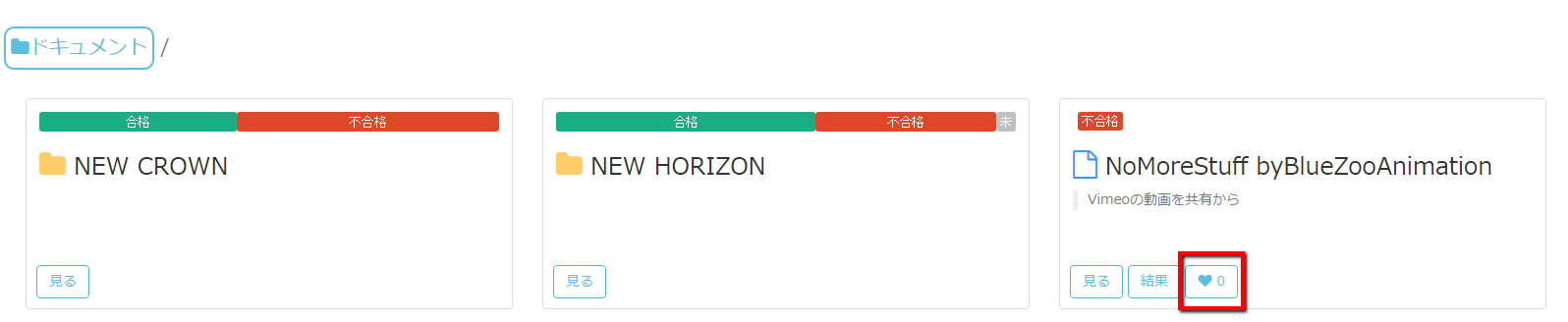
- On the "Solve Open Problems" screen, click on the blue heart symbol to the right of the problem list frame." On the "Solve a Problem" screen, click on the blue heart at the bottom right of each problem. Or click on the white heart in the upper right corner of the screen after you have started to answer the question.

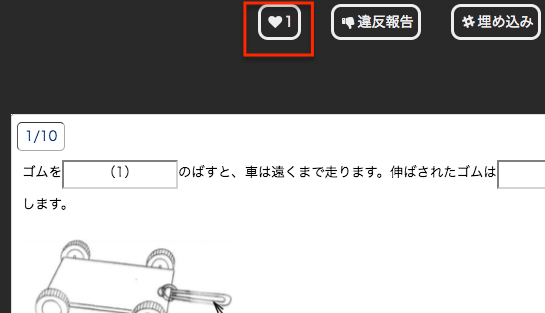
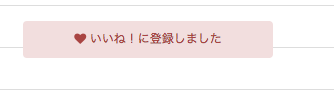
- The blue heart mark will change to a red heart mark as soon as the message "Like! is displayed and the blue heart mark changes to a red heart mark.

- Click on "Solve Open Problems" or "Solve Problems" in the sidebar.

I like it! View issues registered with
- Click on "Like! on the sidebar.
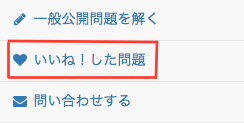
- I like it! will be displayed in the list of registered issues.

I like it! Delete
- Click on the heart symbol shown in red.
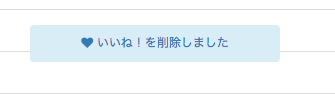
- "Like! is deleted" is displayed and the red heartmark changes to a blue heartmark.