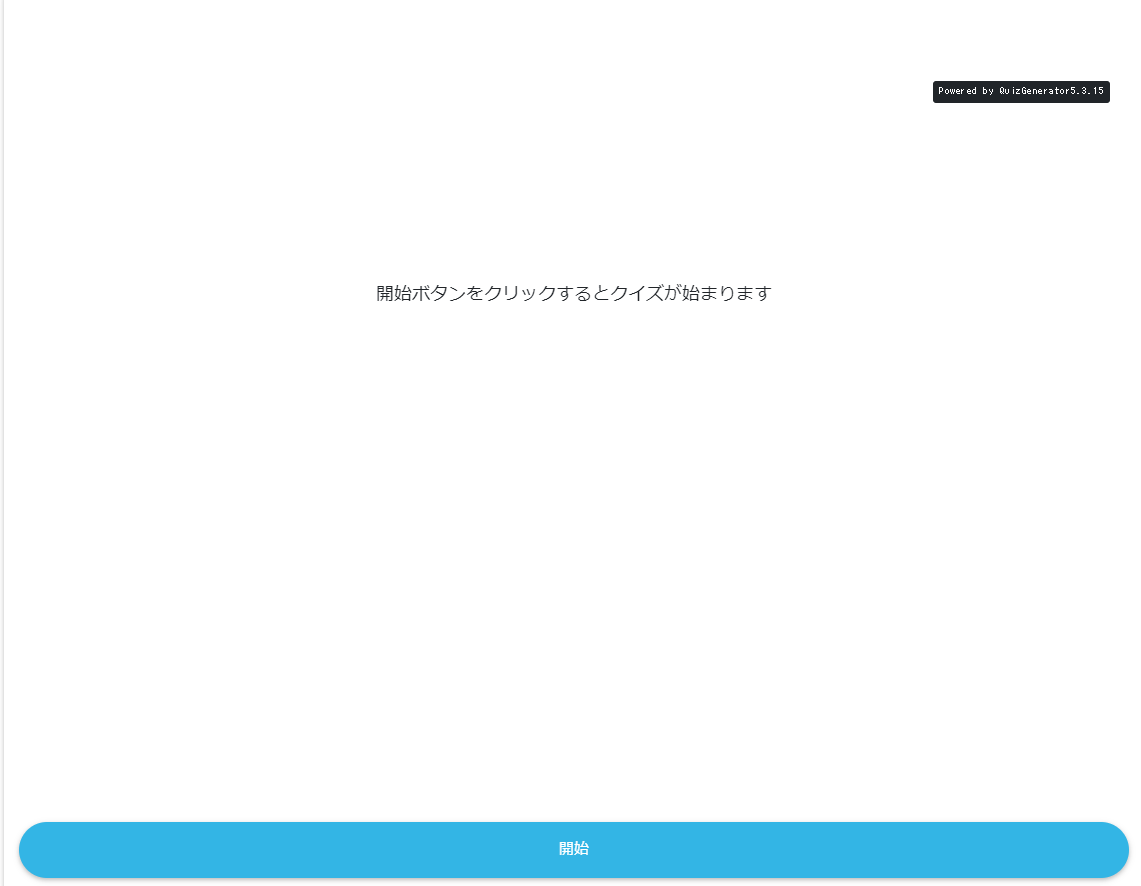
Create a normal mode
-
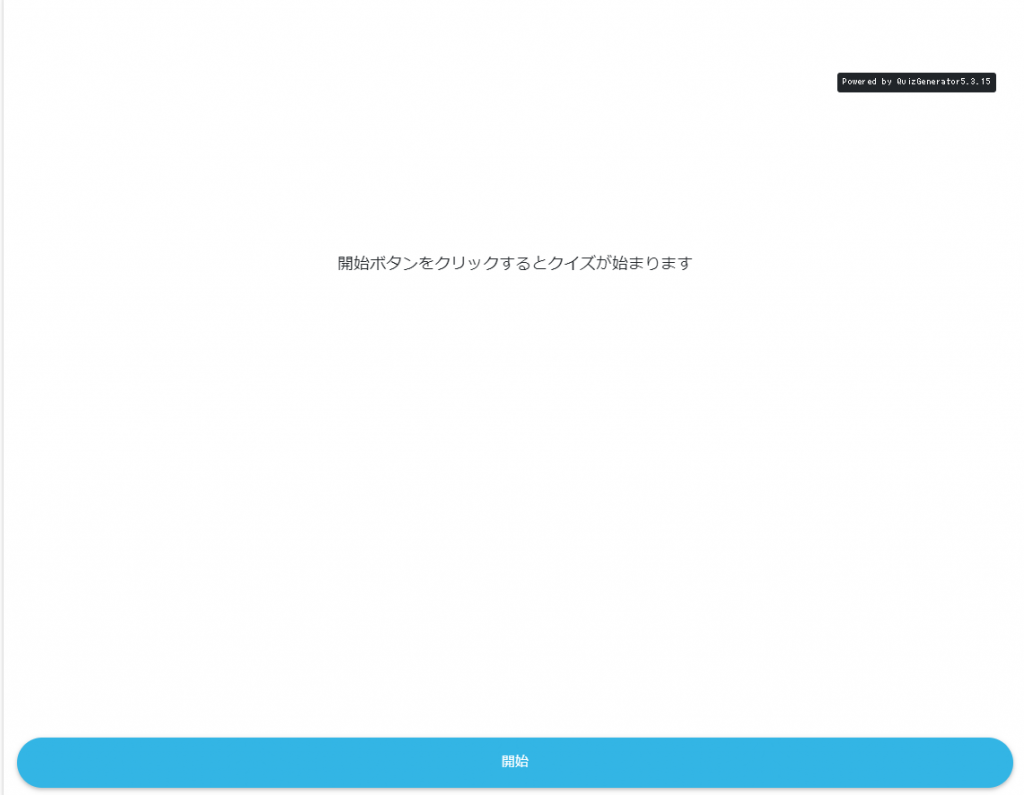
- When you create a quiz with Normal mode specified, only the Start button will be displayed on the quiz start screen.
-
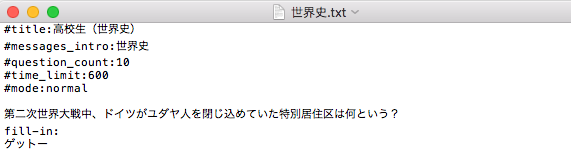
- Optional value when creating a question in text or CSV
#mode:normal
Enter the
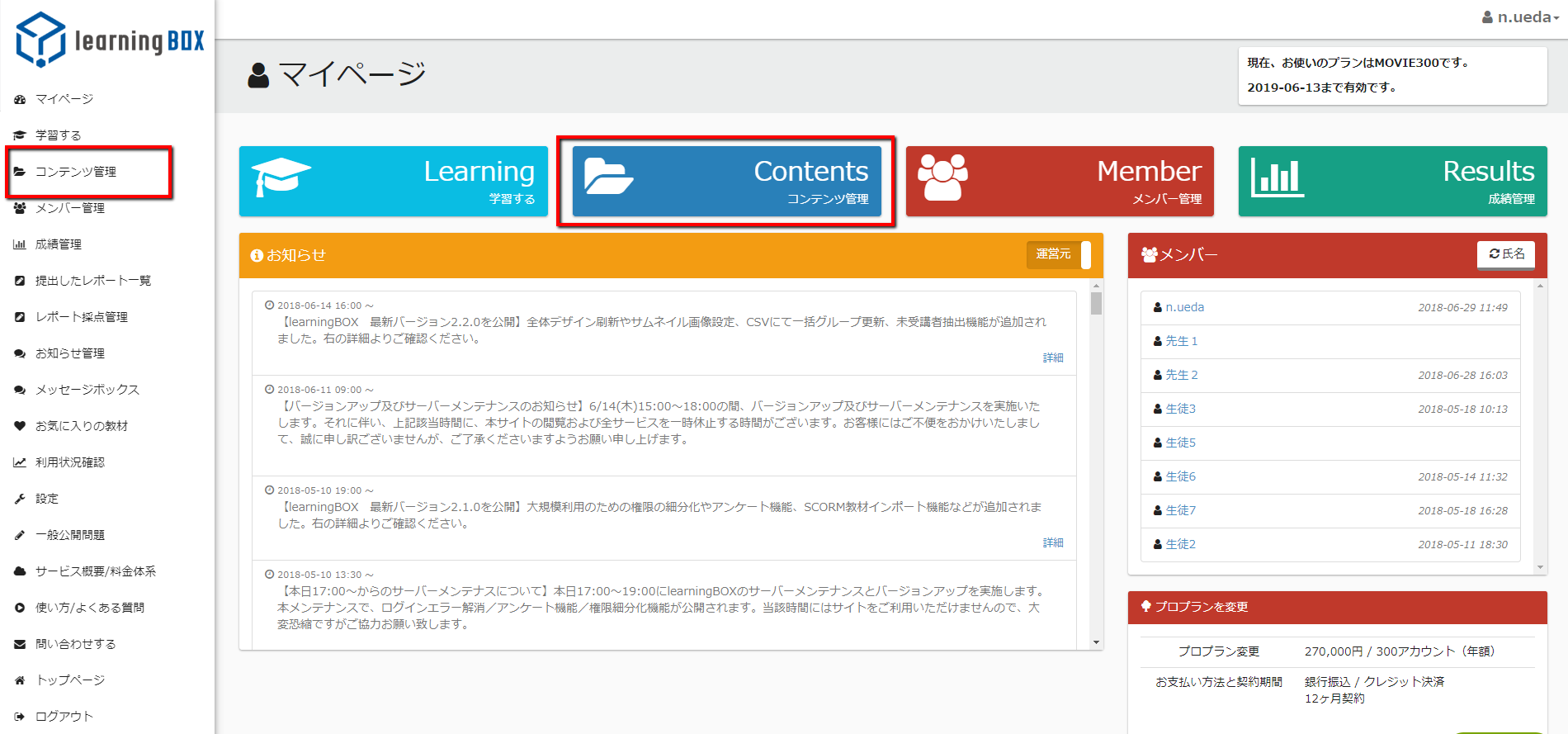
- Click on "Content Management" in the sidebar or the red box on the "My Users" page.
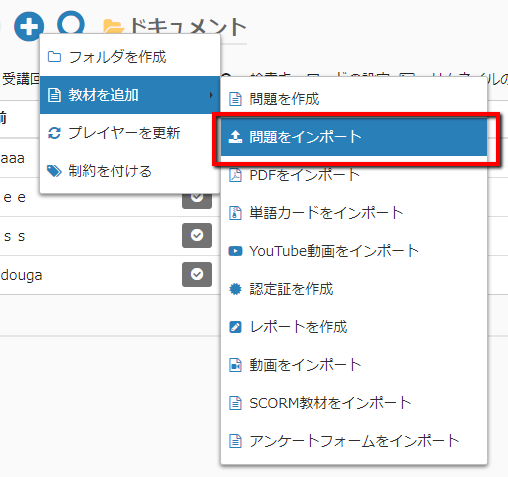
- Click on "Import questions" from the control menu (+ sign) in the upper left corner.
- Click "Select File" and select the question you created.
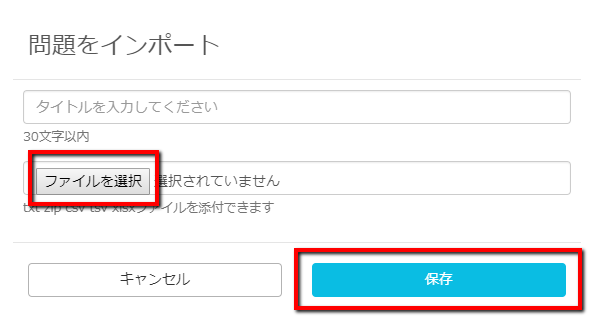
- Enter a title and click the "Save" button.
- The above is complete." The Start button will appear on the screen where you started the question with "Answer Question.
- Optional value when creating a question in text or CSV