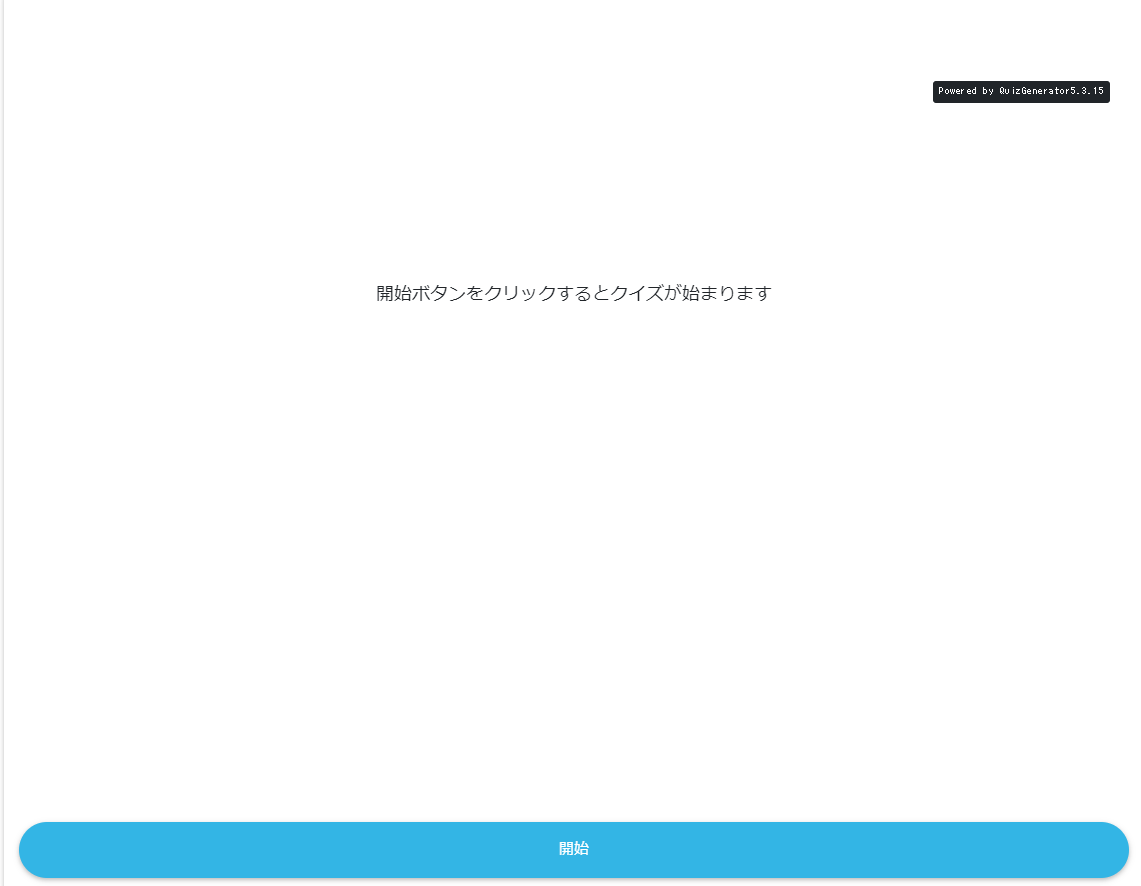
optional item
Option settings
-
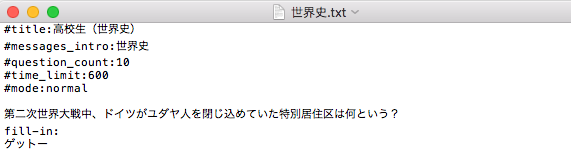
- You can configure various settings by entering options before the question text when creating a quiz.
-
- When you create a question in text or CSV
"# option: option value"
Enter the
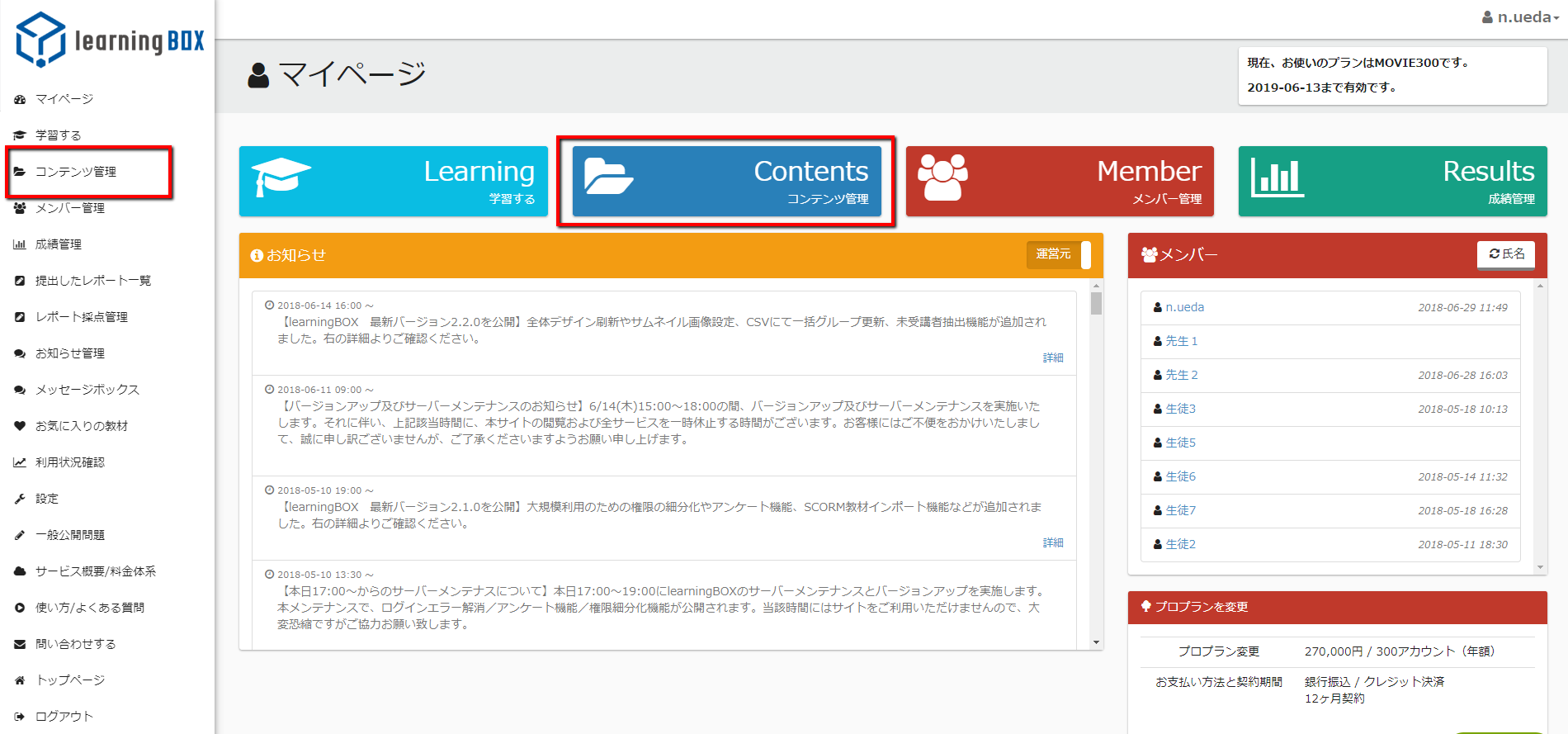
- Click on "Content Management" in the sidebar or the red box on the "My Users" page.
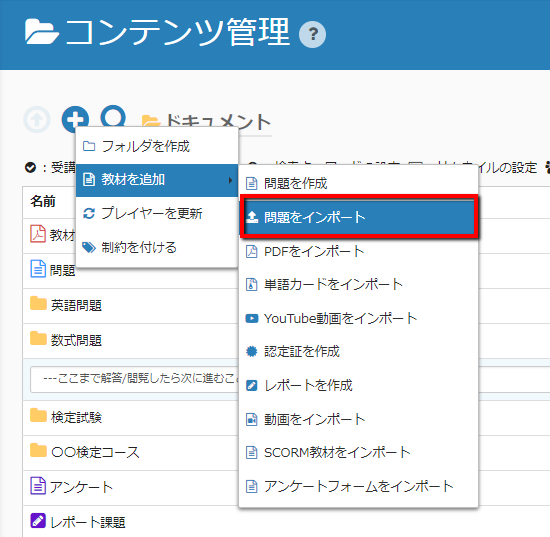
- Click on "Import Question" from the control menu (+ sign) in the upper left corner.
- Click "Select File" and select the question you created.
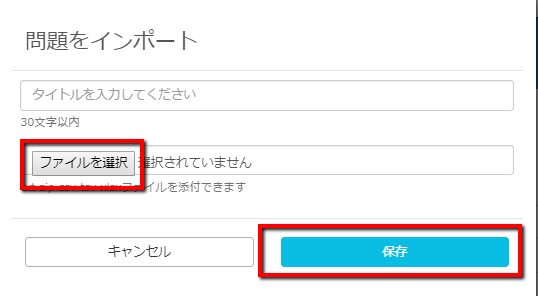
- Enter a title and click the "Save" button.
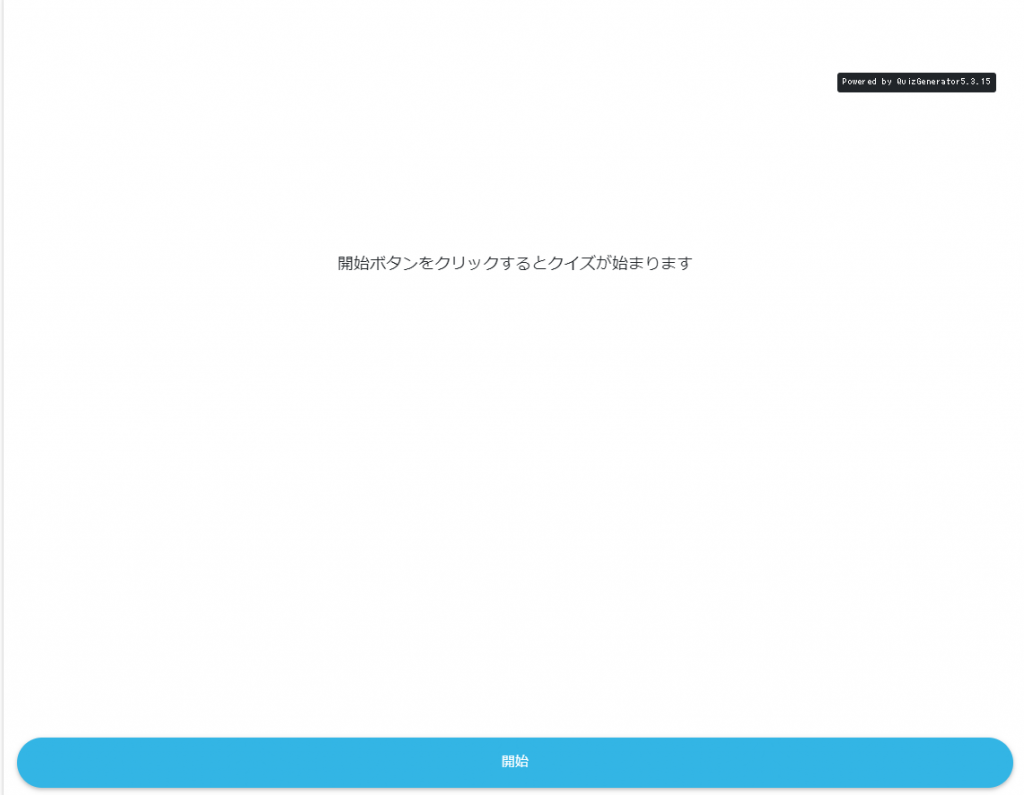
- You are done with the above." When you start a problem with "Solve a problem", it will start the problem with the options applied.
- When you create a question in text or CSV
- For more options list of optionsfor more information.