Create a certificate
- Combined with the course setup we can now issue certificates to those who pass the exams.
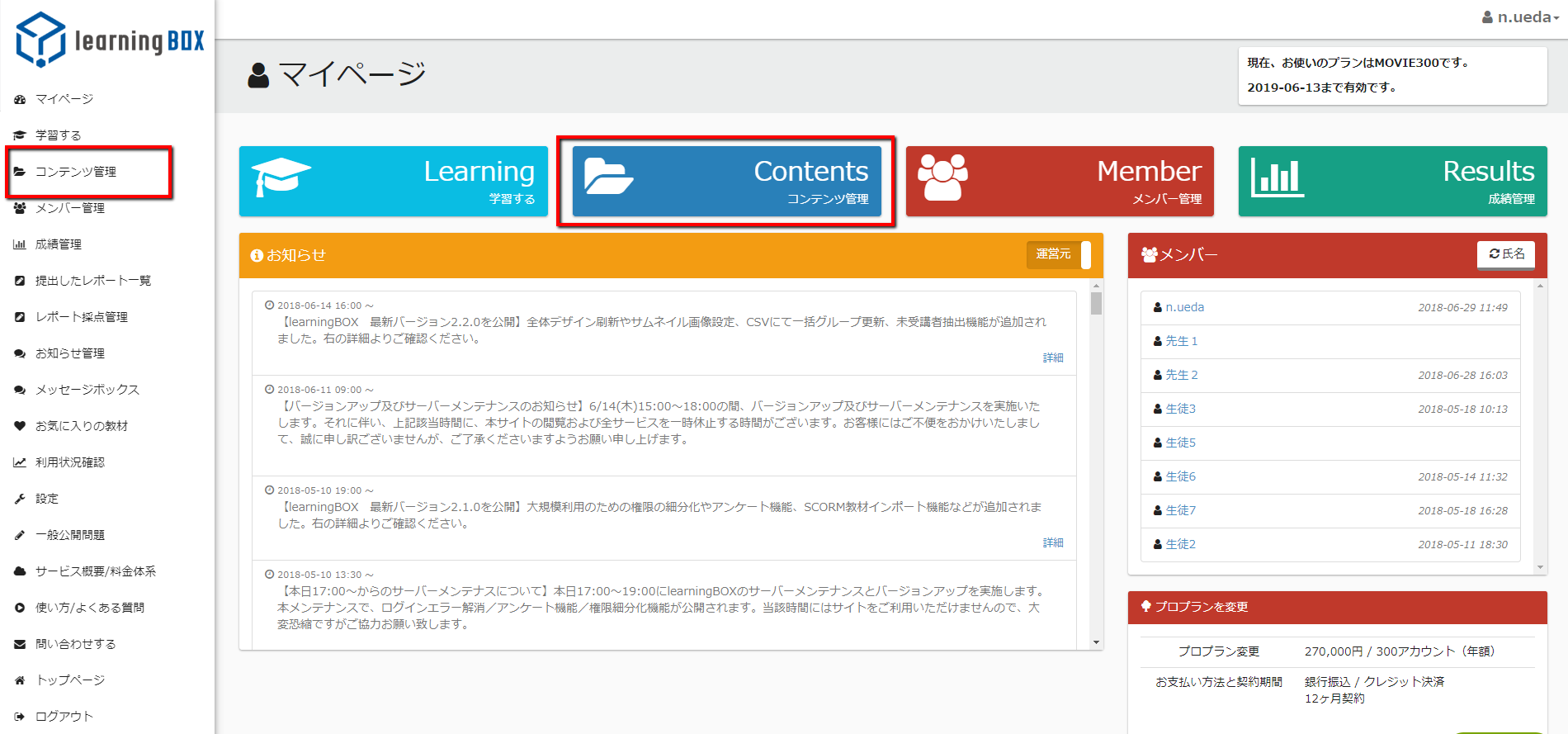
- Click on "Manage and create issues" in the sidebar.
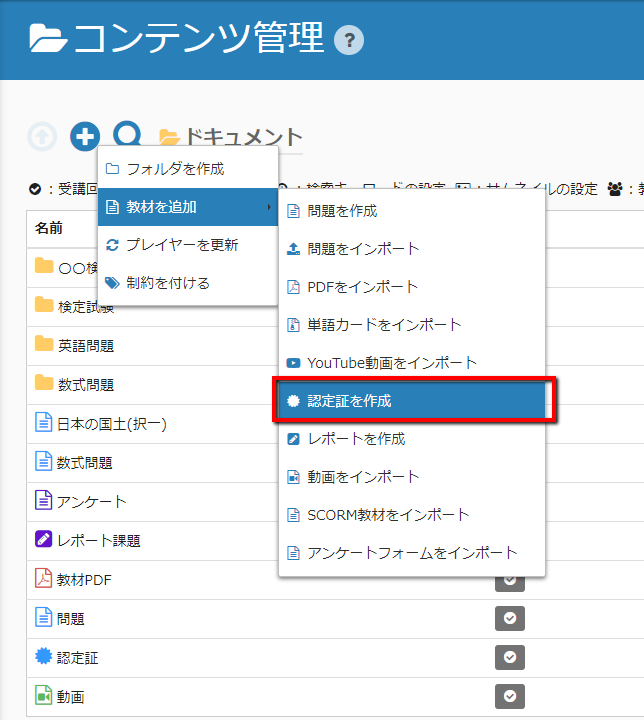
- Click on the "Create Certificate" link in the upper left menu (+ symbol).
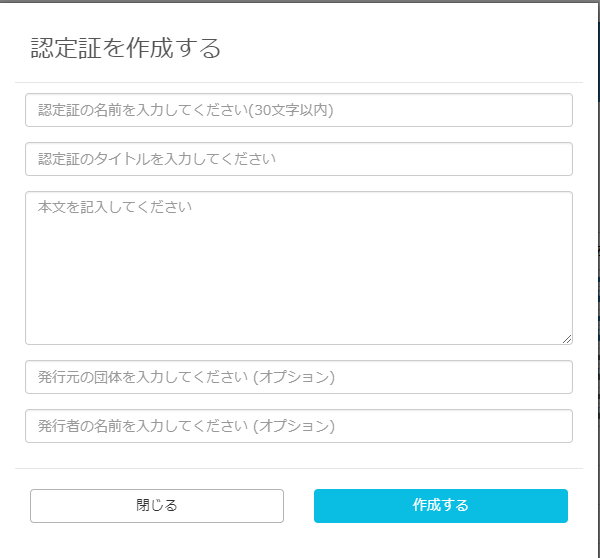
- The certificate creation modal will open and you will be able to enter each field.
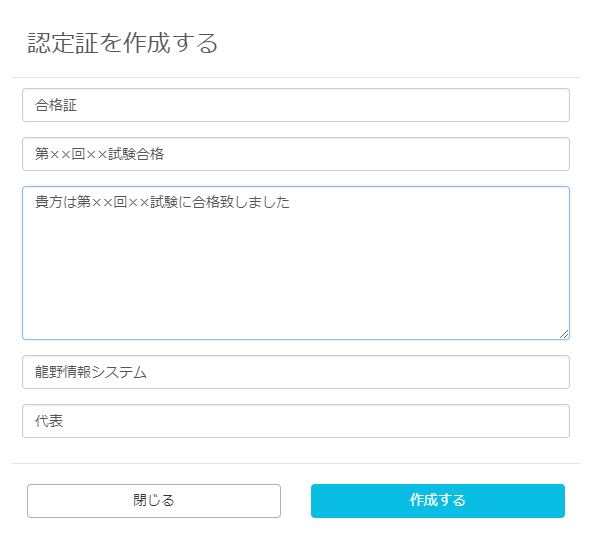
- Click "Create" to finish.
- Open the certificate by clicking on "Solve problems".
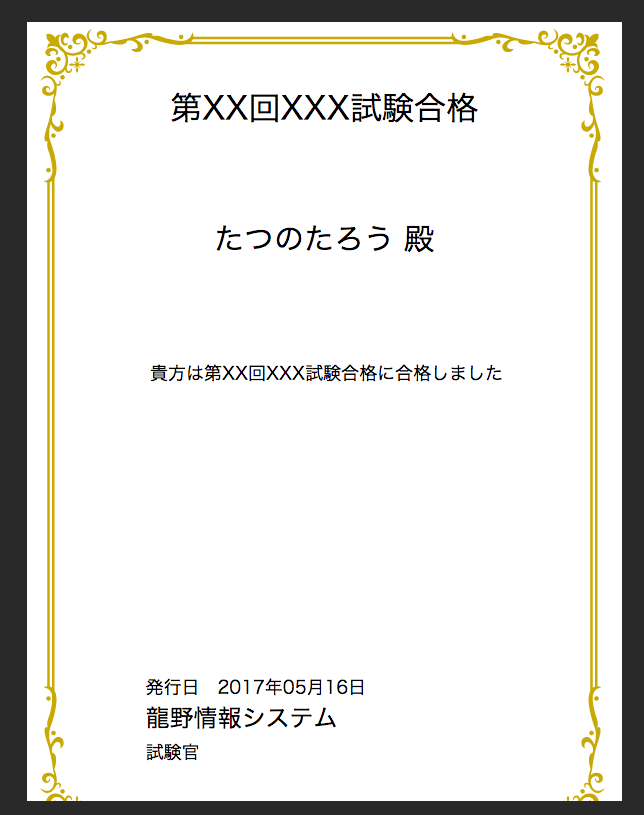 This is how it will appear. The name in the middle is automatically filled in with the name of each user.